The freedom of Markdown.
The power of Word.
Antalogy is an AI-ready desktop word processor — the familiarity of a Word interface for Markdown, the privacy of local-first, and the LLM of your choice.
Antalogy is an AI-ready desktop word processor — the familiarity of a Word interface for Markdown, the privacy of local-first, and the LLM of your choice.

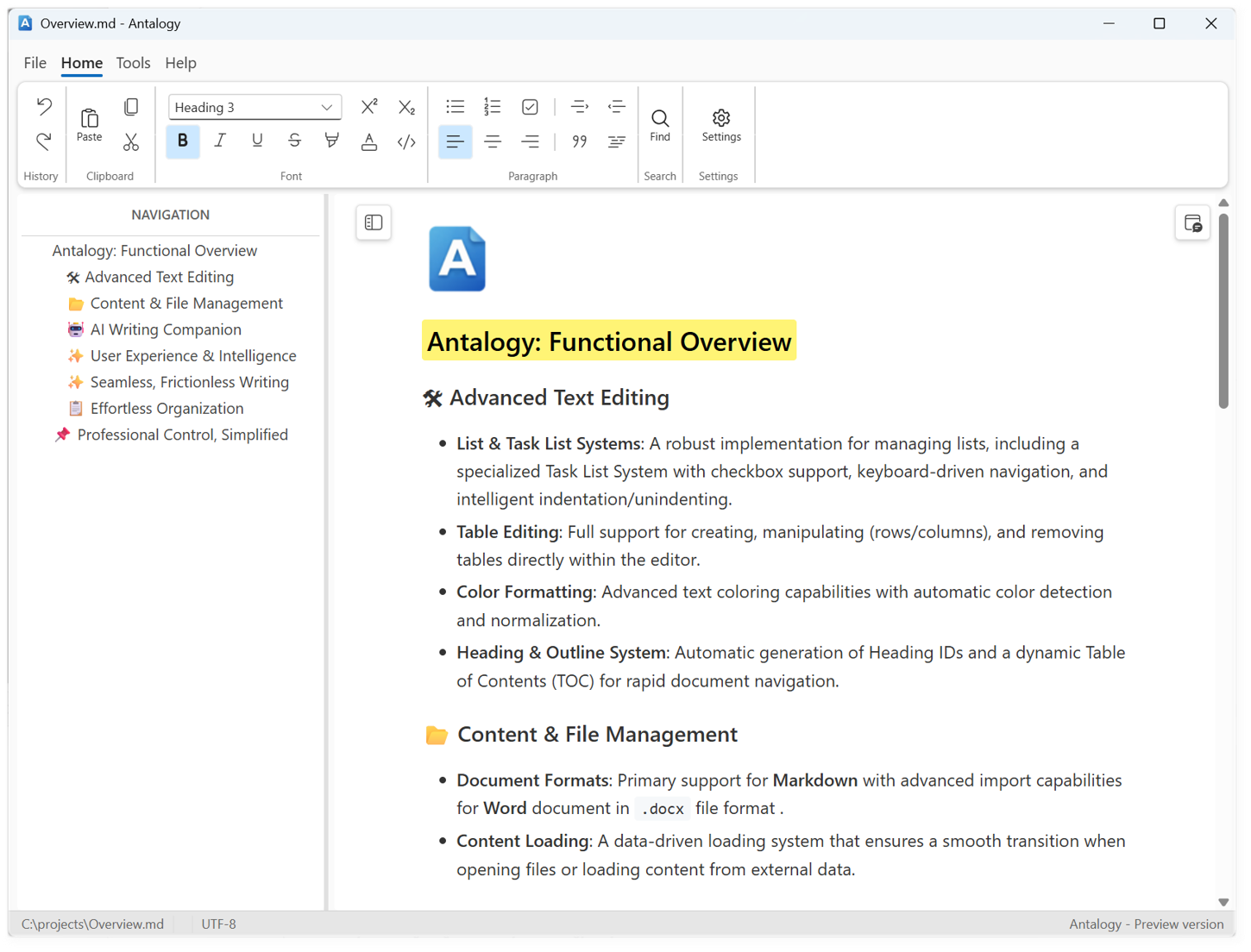
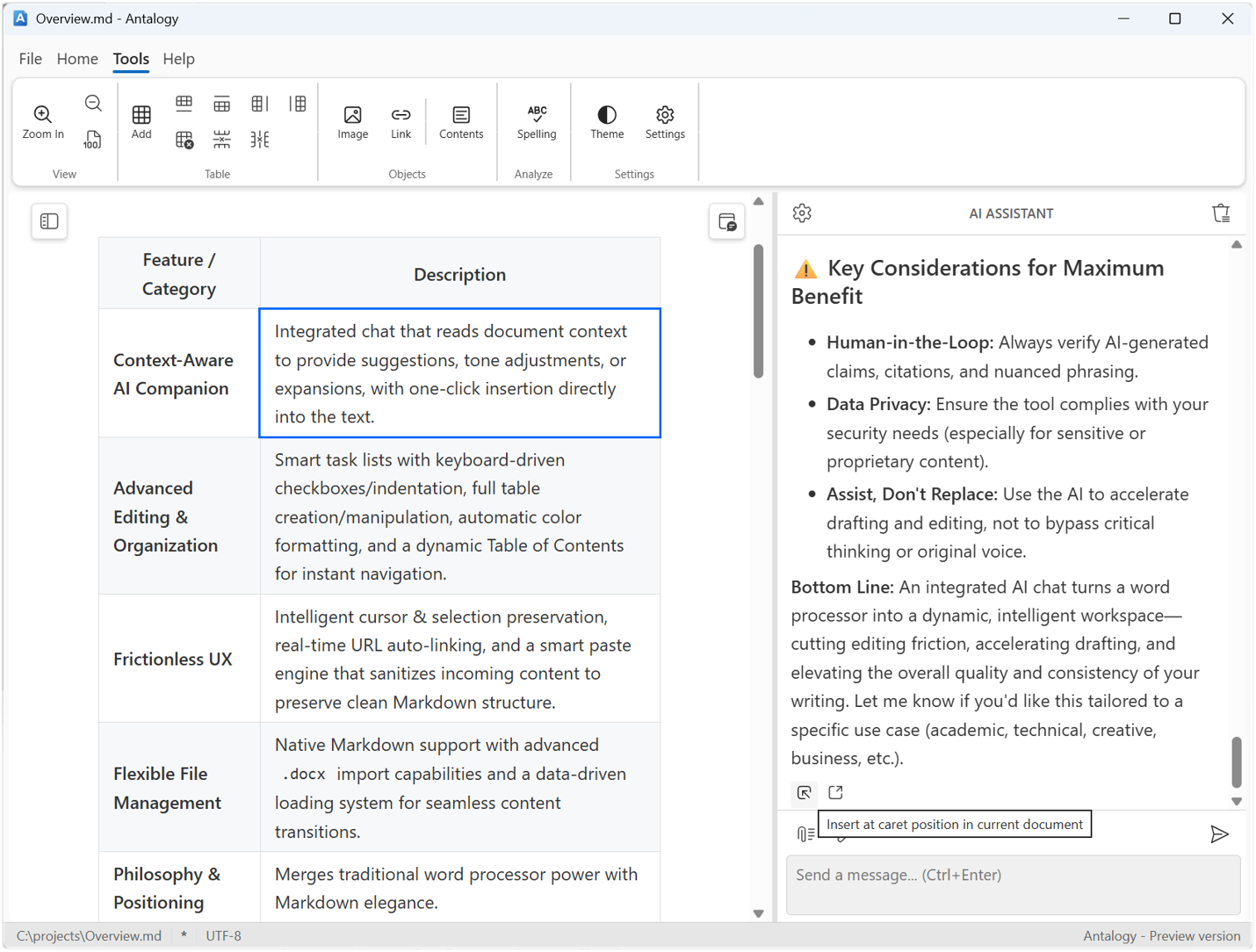
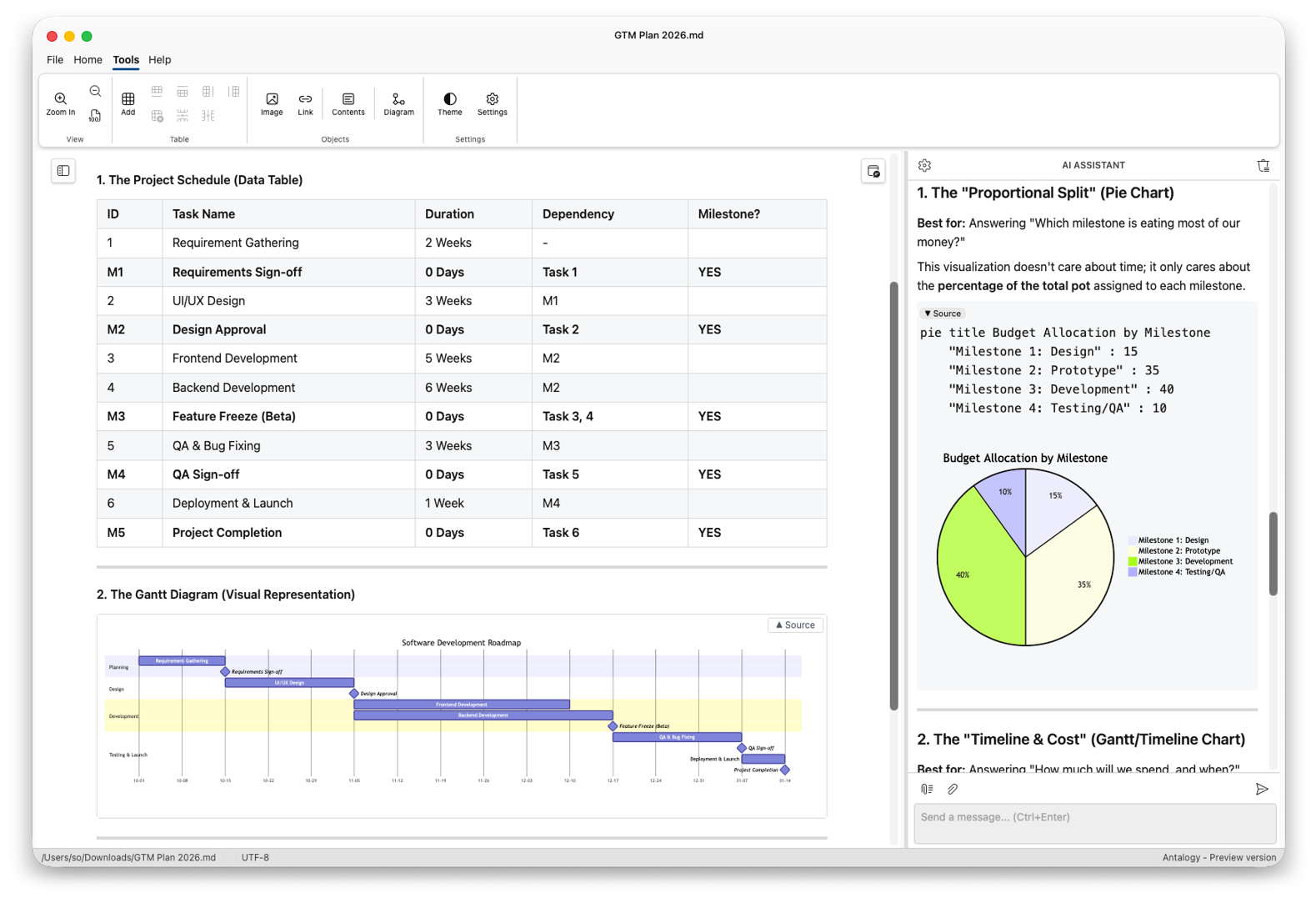
Brainstorm, edit, summarize or audit documents — without leaving your workflow.
One-click, two-way synchronization between the document — or just the selected text — and the LLM chat.
Use a local or remote LLM endpoint of your choice at any time — and switch whenever you like.
Compatible with any LLM that supports the OpenAI API — local, on-prem or cloud.
Antalogy’s integrated AI Assistant chat lets you brainstorm, edit, summarize, or audit documents without leaving your workflow. Unlike locked-in cloud AI suites, you decide where the model runs:
Antalogy supports any LLM with an OpenAI-compatible API. You can switch endpoints per document, per LLM chat, or per compliance tier. The AI Assistant adapts to your security posture without changing your workflow.
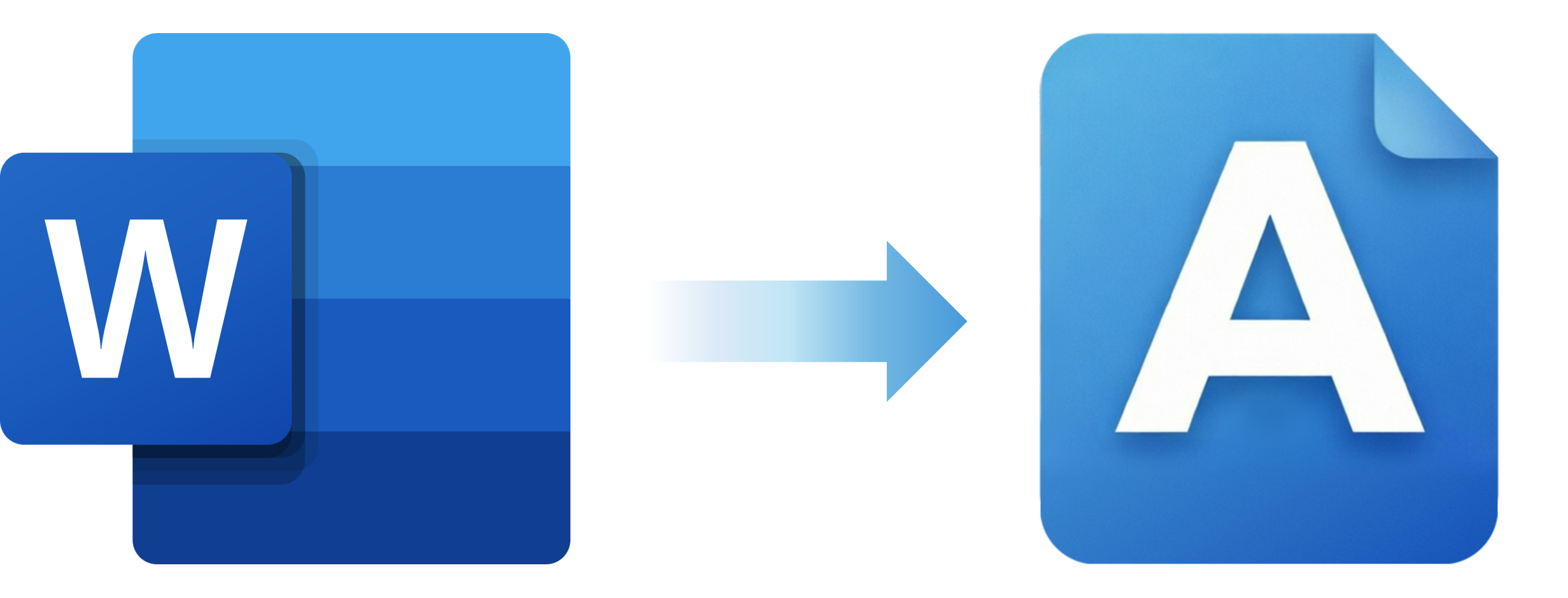
While .docx is engineered for print rendering, Markdown is engineered for data exchange. Its hierarchical, plain-text structure aligns perfectly with how LLMs parse, reason, and generate text.
Switching from DOCX to Markdown cuts token waste by 31–35%, making every token count and stretching your AI budget further across documents of all sizes*:
| Document size (w/o images) | Markdown tokens (lean) | DOCX tokens (est. noise) | Token waste (overhead) | Efficiency gain |
|---|---|---|---|---|
| Small (~500 words) | ~650 | ~950 | +300 tokens | ~31% |
| Medium (~2,500 words) | ~3,300 | ~5,000 | +1,700 tokens | ~34% |
| Large (~10,000 words) | ~13,000 | ~20,000 | +7,000 tokens | ~35% |
*Based on typical business documents containing headers, lists, tables, and standard formatting.
The context window is the AI’s working memory. Every token spent on XML scaffolding or hidden styling is a token stolen from your actual content.
“Image bloat” occurs when you upload a .docx file containing images directly into a Large Language Model (LLM). It wastes massive amounts of your token window and drastically increases API costs, while often degrading model performance. Because LLMs process visual information by converting images into large mathematical matrices (or high-token sequences), a single hidden or unoptimized image can consume more tokens than the entire text of a long document.
We do not track your usage, we do not log your keystrokes, and we do not collect any personal or behavioral data. There are no tracking scripts, analytics tools, or telemetry frameworks embedded in the software. What you write, edit, or process stays strictly on your machine.
Antalogy is compiled into a native desktop binary using Go and Wails. It does not look for, connect to, or maintain any cloud backend. Your documents (.md and .docx files) are read and written directly to your local file system. We have no servers capable of receiving or storing your documents.
The user interface is powered by Svelte and rendered through your operating system's native webview engine (WebView2 on Windows and WebKit on macOS) instead of a bundled Chromium instance. This ensures the app operates isolated within your local system environment with no unauthorized internet connectivity.
The integrated AI Assistant is entirely dormant by default. Antalogy does not route your text through any proprietary AI proxies or intermediate cloud setups. No content is ever sent to an AI model without your explicit, manual action.
Because we operate in complete transparency, we invite any user, engineer, or security auditor to drop Antalogy into a secure sandbox or monitor its network traffic using tools like Wireshark. You will find exactly zero unexpected network calls leaving your machine.
Antalogy is currently developed and maintained by an independent group of software engineers in bootstrap mode. As the product transitions into a formal legal structure for enterprise utilities (such as high-volume B2B bulk conversion pipelines and OEM/White Label licensing), this policy will remain anchored to the core principle that your standalone desktop files are yours alone.
For any privacy-related or technical questions, feel free to reach out directly to the engineering team at: info@antalogy.com
Available on Windows, macOS and Linux.
Zero telemetry. No document format lock-in.